

In most organizations, sales and support use different systems: sales are on Salesforce while Jira is for engineering. But the issue with this setup is that both teams have to manually share data with each other.
When a sales rep gets the same feature request from different prospects, they still have to write up a ticket from scratch. Also, when a support case gets flagged as a bug, someone has to copy the details into an email because the fix status never shows up back in Salesforce.
A common failure looks like this: developers reply inside Jira, but the comments default to internal, so a support agent ends up retyping every developer reply into Salesforce by hand. Multiply that across a few tickets a week, and you can see how this is a major blocker for the support team.
Why Connect Salesforce and Jira
Customer-facing teams need to see what engineering is doing, and engineering needs the account context that lives in Salesforce. Without a connection, someone spends their day copying case details into tickets and typing status updates back into Salesforce, and both teams end up working off information that's already stale.
The 2 tools are built for different jobs. Salesforce tracks the account and the relationship, and Jira tracks the work needed to fix or build something for that account. Connecting them gives each team the piece of the picture that lives in the other tool, without forcing either one to switch platforms.
The Most Common Jira to Salesforce Integration Use Cases
Turning a Sales Feature Request Into a Jira Ticket
The sales lead sees the same request from a few prospects, and instead of waiting to raise it in a meeting, they need it in front of product right away.
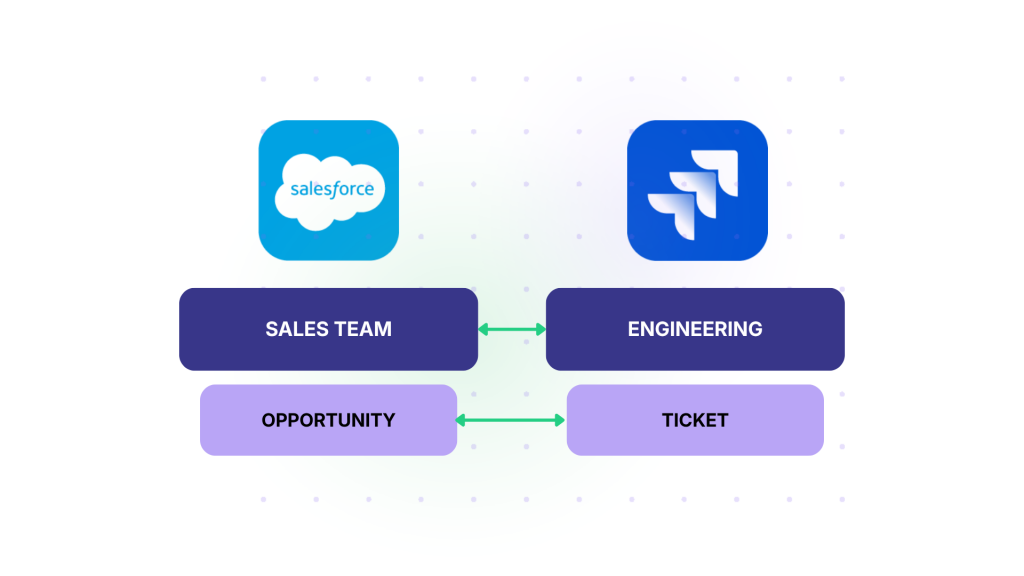
Solution: Once an opportunity in Salesforce moves to a stage like “Solutioning”, a Jira ticket gets created automatically with the account and revenue data attached, so whoever owns the roadmap can see who's asking and how much revenue sits behind the request.
Reporting and Visibility Across Both Tools
Leadership wants to see customer impact next to engineering effort, not 2 separate reports that don't line up.
Solution: When Salesforce data like region and revenue lives on the connected Jira work item, a team can build a single report that shows how much revenue sits behind a backlog of open issues, broken down by region or account tier.
Escalating a Support Case to Engineering as a Bug
A task moves in Jira, but the case in Salesforce doesn't reflect it because only some fields got mapped, so someone has to log into both systems just to confirm what's actually true.
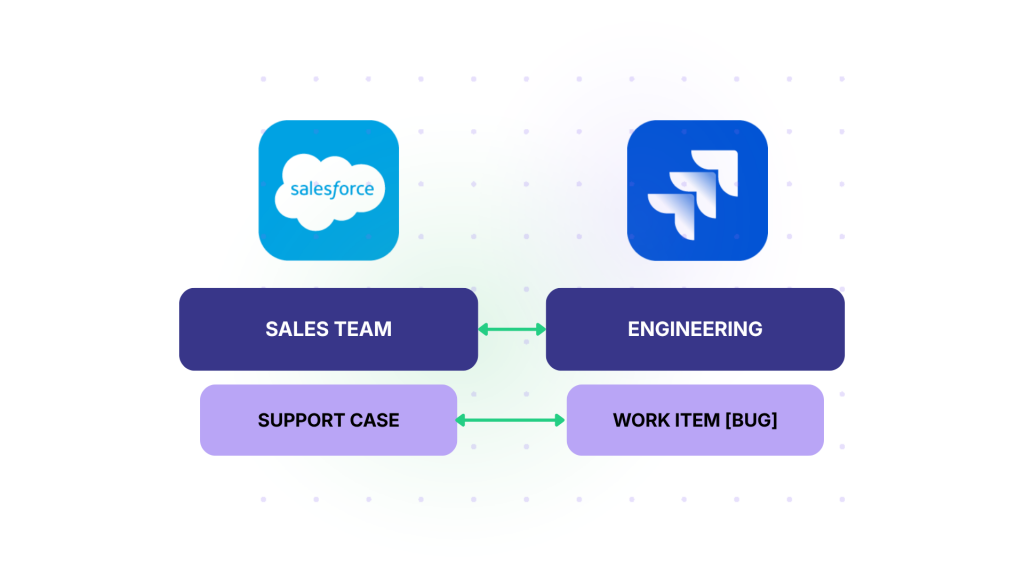
Solution: A support case in Salesforce turns into a bug once someone confirms it's a real product defect. Routing often splits the entity by type: a performance issue links to one team's Jira project, and a straightforward defect links somewhere else, depending on who owns the fix.
Once the Jira work item exists, the fix status needs to flow back to the case on its own, or the support agent becomes the one relaying every update by hand.
Keeping Sales Updated on Delivery Status
A rep shouldn't have to ping engineering every time a customer asks about a fix and progress updates.
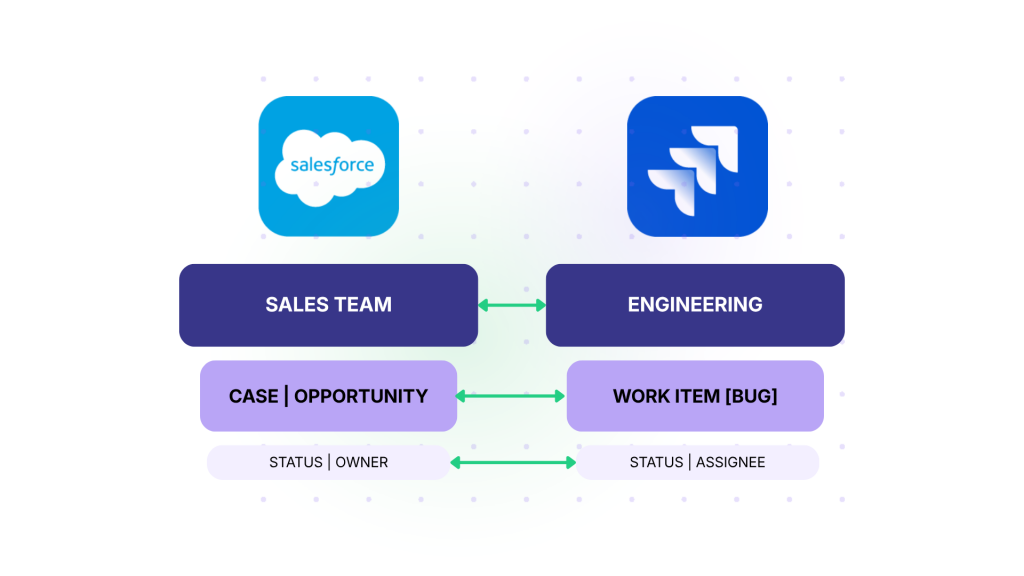
Solution: With two-way sync, a status change on the Jira task updates a field on the Salesforce opportunity or case directly, and the rep sees it without leaving Salesforce. Change it on either side, and it updates on the other.
Syncing Across Two Companies
An MSP runs Salesforce while its vendors and customers work in Jira, Zendesk, or Freshdesk. Each side needs restricted, two-way access to shared cases without exposing its full account data to a partner.
Solution: Use a bidirectional integration solution to connect the MSP with its vendors so that information can flow back and forth while staying isolated within the multi-company setup.
One-Way vs Two-Way Sync
Most of the use cases above need updates flowing in both directions, rather than the typical one-way, fire-and-forget pattern. Two-way sync involves automatically moving case data from sales to development, and back, without switching tools.
One-way sync still has its place. If sales only needs a read-only view of open bugs tied to an account, pushing Jira data into Salesforce once a day might cover it, and it's simpler to set up. But once either team needs to act on what they see and have that action reflected back, one-way sync becomes a workflow hindrance.
How to Set Up Your Integration (the Short Version)
Every approach shares the same 4 key decisions, even without a full setup manual.
- Which objects map to which. An opportunity or case in Salesforce needs a matching work type in Jira, and the mapping should reflect how each team actually works, not whatever's easiest to configure.
- Sync direction. Decide upfront whether a field flows one way or both ways, since that changes how conflicts get handled when both sides edit the same field.
- Field and status mapping. Salesforce statuses and Jira statuses rarely line up one to one, so someone has to decide what "In Progress" in Jira actually means on the Salesforce side.
- Testing on a couple of records first. Sync a small batch before turning it on for the full pipeline, so a bad mapping doesn't reach a live customer case.
Choosing a Jira Salesforce Integration Approach
There are three integration options.
- Native or marketplace connectors, listed directly on the Salesforce AppExchange or Atlassian Marketplace, work well for a single, common pairing where the fields don't need much customization. They're usually the cheapest way to start, but customization stops at whatever the connector's original build supports. You can start with the built-in Salesforce Service Cloud to Jira Service Management integration.
- General iPaaS platforms, like MuleSoft or Boomi, connect far more than just Salesforce and Jira, and that broad coverage is the point. But because they're built for broad workflow automation, two-way ticket sync with conflict handling usually needs custom logic built on top, not a feature that ships out of the box.
- Dedicated bidirectional sync platforms are built specifically for this problem. Platforms like Exalate handle field mapping and sync conflicts as part of the product, and each side configures its connection independently using Aida (AI scripting assistant), so neither team needs standing access to the other's system just to set it up.
Some teams consider building the integration in-house instead, and it's worth pricing out honestly. Estimates show that teams spend around $10,000 a month in developer time and licensing fees for a custom two-way sync used in-house. That number pales in comparison to whatever a connector or platform costs before committing engineering time to build it.
Which Use Case Is Yours?
Go through the use cases and find the one that matches the actual gap on your team. Decide if that gap needs one-way visibility or two-way sync. Then choose the integration option that works for your use case and budget: a connector, an iPaaS platform, or a dedicated sync tool.
Once you get this right, you’ll have a reliable connector like Exalate that saves you money and time by unifying work across Jira and Salesforce.